Official PrestaShop module
Your PrestaShop blog module, complete and free to download
Sedestral, an official PrestaShop partner, offers you a free blog module. Our AI agents analyze your competitors, write optimized articles and publish them automatically on your store.
Official module, published on the PrestaShop store
Categories, pagination and related articles
Compatible with an existing blog
Or see what your store stands to gain
Over 1,800 brands, marketing teams and agencies
grow their visibility with Sedestral.
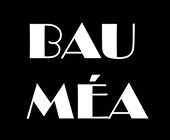




Module preview
The blog is managed in PrestaShop and displayed in your store's theme.
Management in PrestaShop
Rendering on the store
Your articles are managed from the back office
Articles, categories, images and publication dates : everything is managed from the My Blog tab of your PrestaShop.
The blog takes on your store's theme
Categories, pagination and related articles are displayed in your store's colors, without a single tweak.
Everything the module brings to your store
A complete e-commerce blog, designed for PrestaShop SEO
A complete blog interface
A full-featured blog module on your PrestaShop store: category system, related articles, built-in pagination and customizable formatting, all matched to your site's theme.
Built for SEO
A modern module that follows SEO best practices: customizable sitemap, advanced HTML markup and built-in structured data, so every article is readable by Google from the moment it's published.
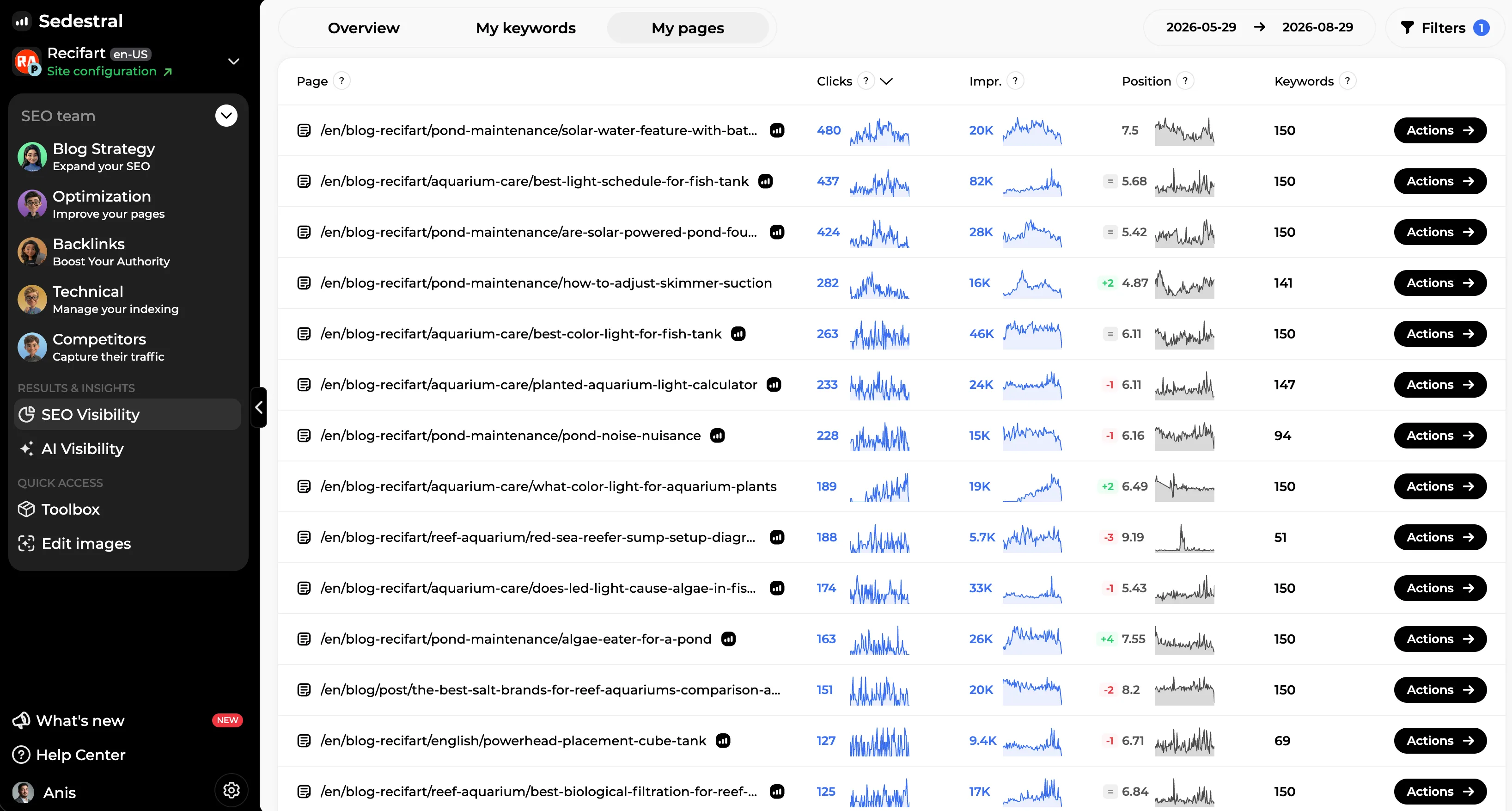
Works alongside an existing blog
If a blog module is already installed on your PrestaShop store, ours takes over: your existing articles stay in place, and the new section can carry the name of your choice (blog, news, magazine).
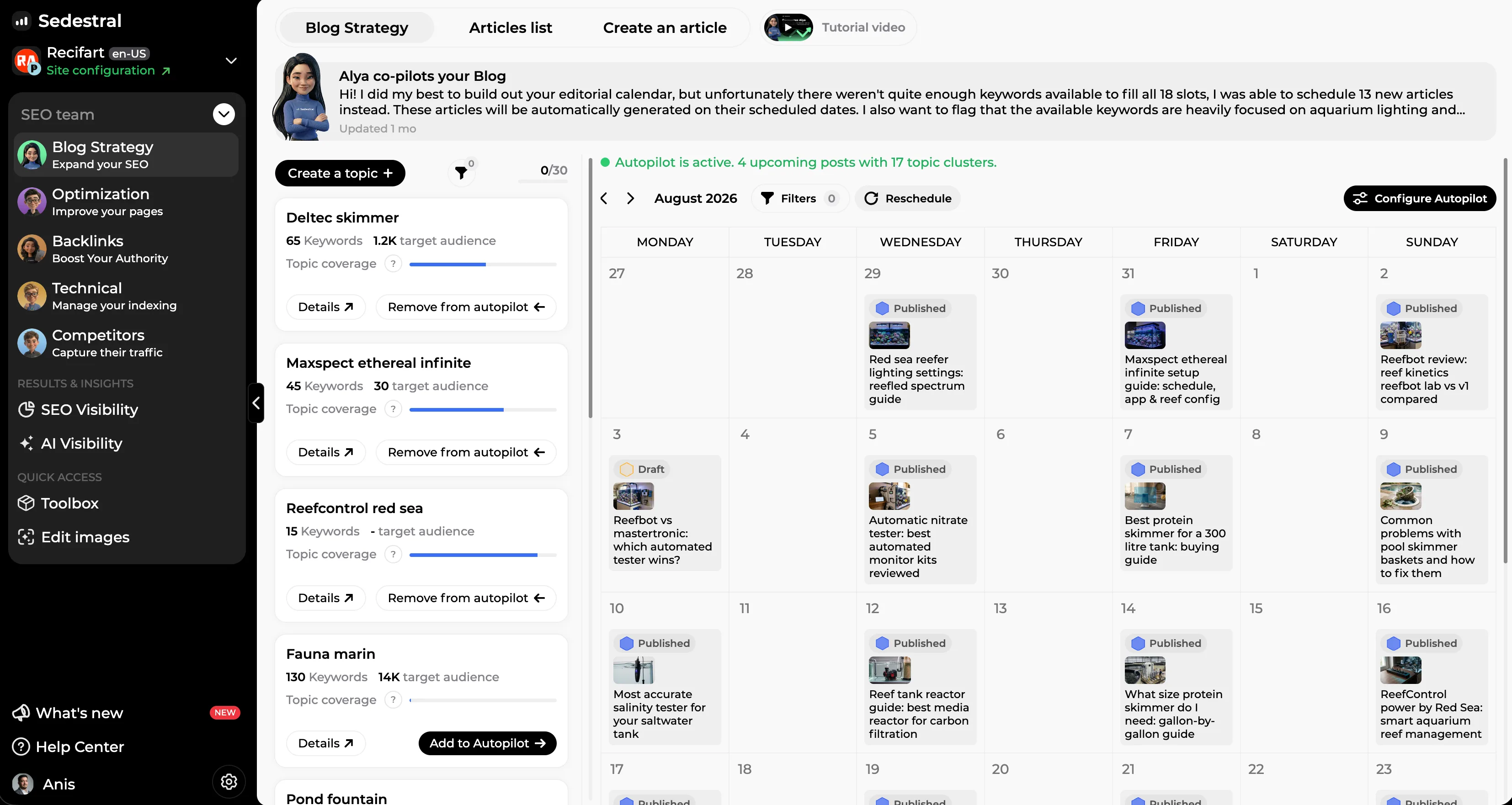
AI-generated articles
The agents identify the keywords your customers search for, then write optimized articles around your products. You keep control of the topics, tone and style.
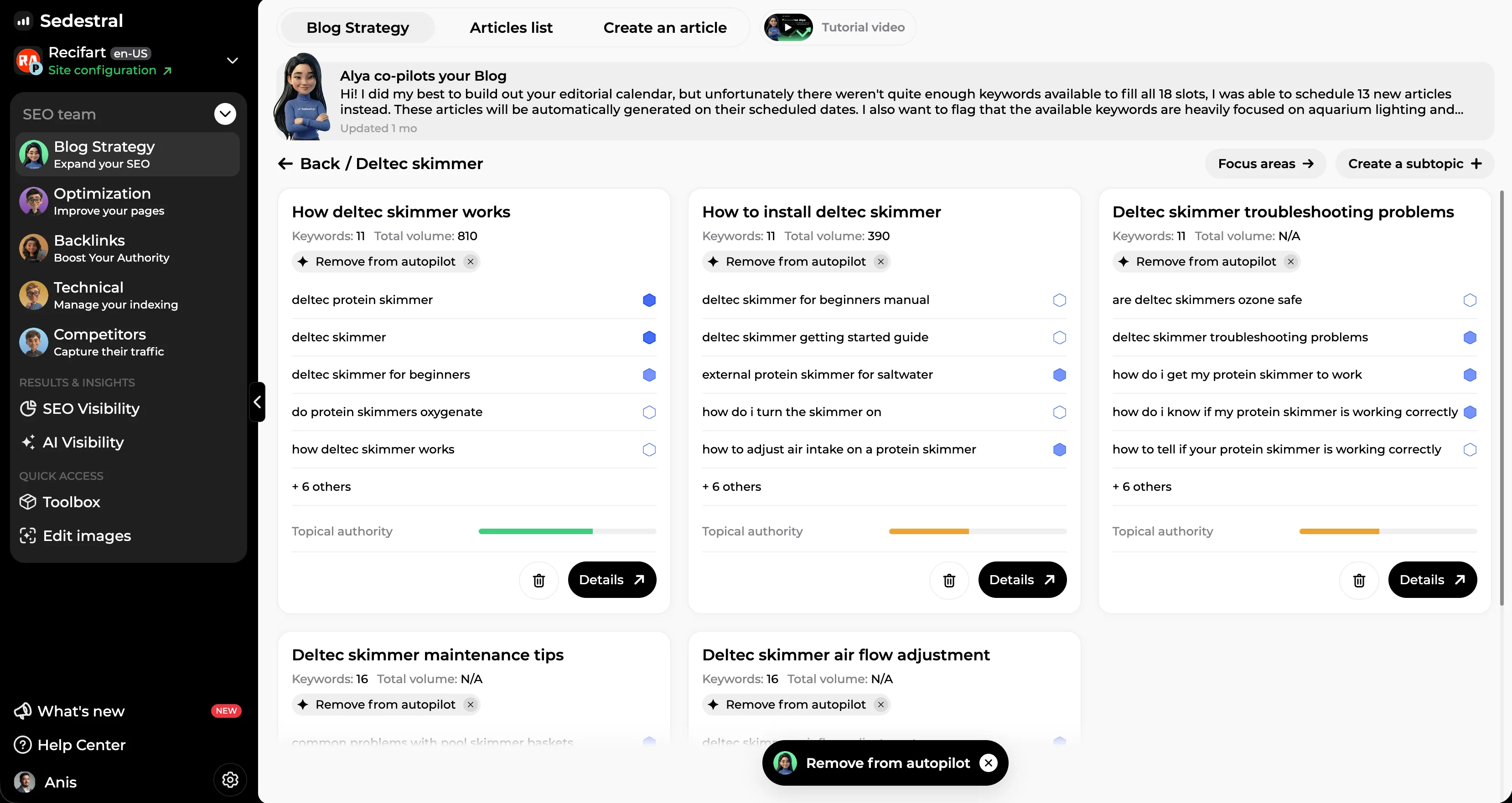
Published automatically on the store
Once approved, the article goes straight to your PrestaShop blog on the date set by the editorial calendar. No copy-pasting, no action on your part.
Free, and maintained
The module is free to download from the official PrestaShop store and keeps up with your store's versions. You only pay if you hand article writing over to our agents.
Questions about the blog module
The module, its installation, and what your blog becomes next
The module
Installation
The blog
What is a PrestaShop module?
A PrestaShop module is an extension that adds features to your online store without changing the site's code. For example, you can install a module to handle payments, improve SEO or create a blog built directly into your store.
Why choose Sedestral over another PrestaShop blog module?
Unlike other modules on the market, Sedestral is an all-in-one blog module that combines AI content generation, automatic SEO optimization and native publishing. No need to juggle several tools or migrate to another CMS: everything is built into your PrestaShop site.
Is the module really free?
Yes. The blog module is free to download from the official PrestaShop store and costs nothing to install. Only automatic article writing by our AI agents requires a Sedestral subscription: the blog itself is yours to keep.
Automate your PrestaShop store's blog with Sedestral