You're busy working through countless SEO tasks—researching competitors, picking keywords, and crafting content that turns readers into customers. But none of that work pays off if search engines can't properly crawl, index, and rank your website. That’s why a technical SEO audit becomes your essential foundation, offering a clear, actionable plan to optimize your site’s technical framework.
Understanding Technical SEO Audit Fundamentals
A technical SEO audit examines the underlying infrastructure that allows Google to find, interpret, and rank your pages. It focuses on crawlability, indexability, and site architecture—not keywords or backlinks—addressing the hidden systems that enable all other SEO activities.

What Is a Technical SEO Audit and Why It Matters
When you conduct a technical SEO audit, you evaluate exactly how search engines interact with your site. This process ensures that Google can reach each URL, interpret your content, and crawl efficiently without hitting resource limits. A complete SEO audit checklist covers server configurations, HTTPS status, page speed, Core Web Vitals, schema markup, and security issues, so technical barriers don’t hold back your rankings.
- Crawlability Verification – Confirms Googlebot can access all important pages without being blocked by robots.txt or other obstacles that restrict indexing.
- Indexation Assessment – Compares how many pages are indexed versus how many should be, revealing issues like blocked, duplicate, or low-quality content.
- Page Performance Evaluation – Tests loading speed, mobile responsiveness, and Core Web Vitals to improve both ranking signals and user satisfaction.
- Technical Health Diagnosis – Uncovers broken links, redirect loops, missing meta tags, and other server or security problems that hurt visibility.
Without this technical groundwork, your content and link-building efforts eventually hit a wall. Technical obstacles limit your site’s potential, which is why an audit should be the first step in any solid SEO strategy.
Essential Technical Components Search Engines Evaluate
Technical SEO fundamentals are built on five pillars: crawlability, indexability, site architecture, page performance, and security. Mastering these areas shows you precisely what search engines analyze when ranking your pages.
- Crawlability – Determines if Googlebot can access URLs, follow internal links, and discover content without errors.
- Indexation – Confirms the right pages are included in the index and flags duplicate or irrelevant content that wastes crawl budget.
- Content Structure – Uses clean HTML, clear headings, and schema markup to help bots grasp topical relevance and structure.
- Performance Metrics – Relies on quick load times, strong Core Web Vitals, and mobile-friendliness to meet user and algorithm expectations.
By fixing issues in these key areas, you resolve the majority of ranking challenges. Nearly every drop in visibility can be traced back to one of these five technical components.
How to Verify Indexation Status With Site Queries
Begin your technical SEO audit in Google Search Console by checking the Page indexing report to see how many of your pages are indexed. Then, perform a site: query on Google to count indexed URLs and compare that number with your analytics—any discrepancy could indicate an indexability problem.
Use the Search Console URL Inspection tool to see exactly how Googlebot renders a page. This helps confirm that CSS and JavaScript load correctly and that there are no fetch errors harming crawlability. Learn the essential steps for a technical SEO audit to better understand these validation methods.
Once you understand what Google sees on your site, you can begin a more detailed investigation. Running an automated crawl uncovers hidden issues in minutes, not hours. We recommend using an audit tool that flags every single crawl error, broken link, and missed optimization, transforming complex analysis into clear, actionable tasks for your team.
Conducting Crawlability and Site Architecture Analysis
Crawlability determines how easily Google finds your content and how effectively your crawl budget is used. Inefficient crawling wastes resources on less important URLs, while your key pages might be overlooked. Follow the steps below to perform a thorough technical SEO audit and enhance your site architecture.
Running a Complete Site Crawl to Identify Errors
Begin with a comprehensive crawl errors audit using tools like Screaming Frog, Lumar, or Sitebulb. These tools simulate Googlebot, scanning your server to catalog issues. They record status codes, follow internal links, and list pages that fail to load or respond incorrectly. Once the scan is complete, you get a prioritized report ranking problems by their severity and potential impact on traffic.
- 404 Errors and Dead Pages – "Page not found" responses waste crawl budget and frustrate users arriving from search engines or external links.
- Server Errors (5xx) – These indicate hosting issues or server misconfigurations that block page delivery and signal site instability.
- Redirect Chains and Loops – Multiple or circular redirects slow down page speed and risk Googlebot abandoning the crawl request.
- Orphan Pages and Accessibility Issues – URLs that lack internal links remain invisible to users and search engines, wasting valuable content.
After exporting the crawl data, prioritize fixing errors on high-traffic or high-conversion pages to avoid revenue loss. You can address lower-value URLs once the most critical issues are resolved.
Fixing Broken Links and Redirect Chains Efficiently
When broken links are identified, use direct 301 redirects to point users and bots to a relevant alternative. This preserves link equity and maintains a positive user experience. Eliminate redirect chains by sending the original URL straight to its final destination, which reduces server requests and boosts page speed. Google’s crawlers follow up to 10 redirect hops, but it’s best to simplify these paths whenever possible.
If content has been permanently removed without a replacement, use a helpful 404 page that guides users to related content. Also, review your backlink profile for external links pointing to deleted pages. Apply 301 redirects to the most relevant available page to maintain the authority from those links.
Optimizing Internal Linking and Site Hierarchy
A logical site hierarchy ensures that both users and search engines can reach important content within three clicks from the homepage. Pages buried deep within the structure receive minimal crawl attention and limited PageRank. Optimizing your site architecture should bring high-value pages to the surface and simplify navigation.
- Breadcrumb Implementation – Add breadcrumbs to show the path from the homepage through parent categories. This clarifies page relationships and improves crawlability.
- Hub Page Linking Strategy – Create category hubs that link to related products or articles. This helps distribute authority from backlinks and internal signals.
- Orphan Page Resolution – Compare your crawl data with your sitemap to find orphaned URLs. Either link them appropriately within your site’s content or remove pages that offer no value.
Review your internal linking structure for balance: reduce excessive outbound links on certain pages, strengthen priority pages with additional internal links, and refine anchor text to accurately describe the linked content. A well-planned linking strategy emphasizes revenue-driving pages while minimizing focus on less valuable sections. This completes a comprehensive SEO audit of crawling, site architecture, and technical SEO elements.
You've fixed your site structure. Now it's time to boost the page-level factors that search engines use to measure relevance and quality. These on-page technical elements are entirely within your power to manage, and even small improvements will make a big difference across all your pages.
Optimizing On-Page Technical Elements for Search
Everything from your title tags to your structured data sends signals about what your page is about and what users can expect. When these elements are duplicate, missing, or inconsistent, they can block your rankings—no matter how strong your content is. This guide will help you turn every page into a powerful asset for search.
Auditing Title Tags and Meta Descriptions Effectively
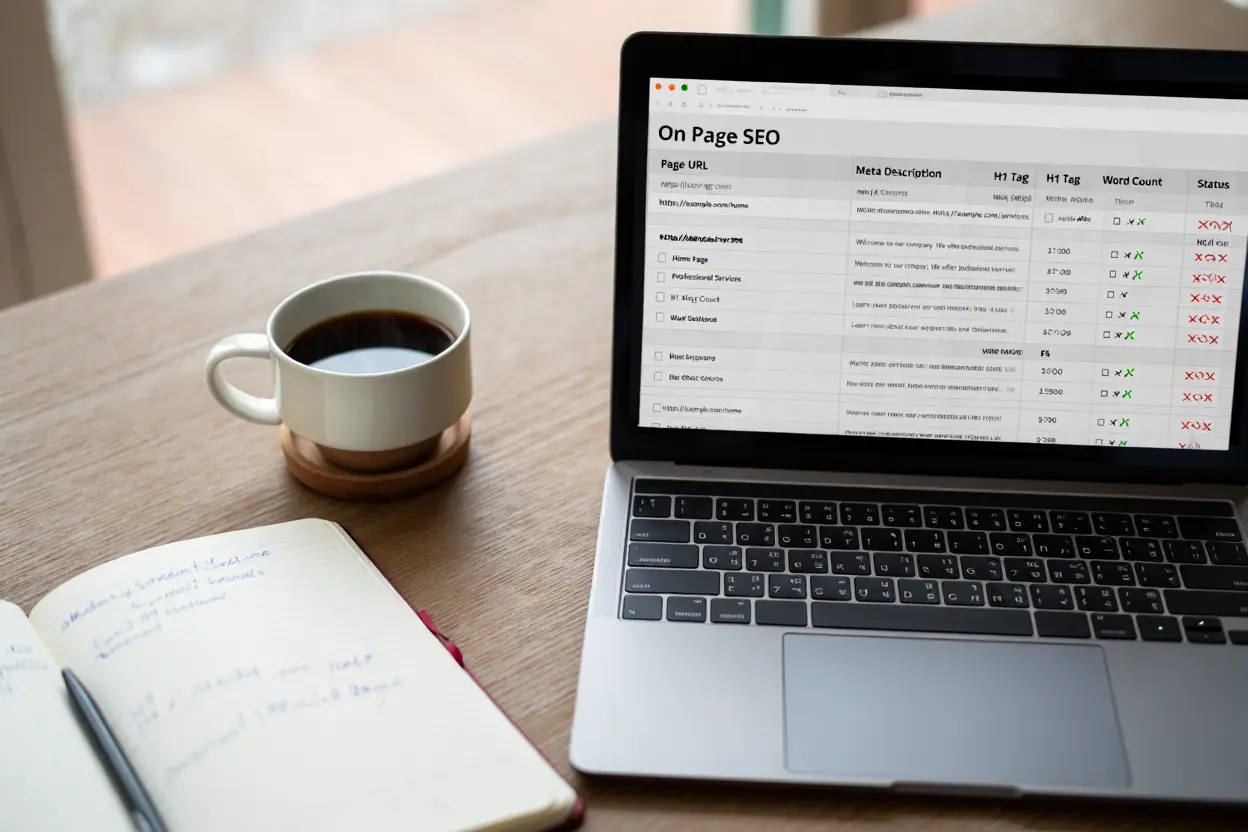
Any on-page SEO audit guide should begin with title tags and meta descriptions, since they shape how people first see your page in search results. Create a unique, concise title for every page; Google sets no fixed character limit, but long titles may be truncated in results. Put your main keyword near the front, and make sure it accurately reflects the page’s actual content. Avoid generic or repeated titles like “Home” or “Product,” as they weaken relevance and hurt your click-through rate.
- Keyword Placement Strategy – Put your primary keyword early in the title to signal relevance and attract more clicks.
- Unique Description Creation – Write compelling descriptions; Google sets no length limit, but snippets are truncated as needed to fit the screen. Use secondary keywords naturally, summarize what the page offers, and hint at what users will gain.
- Click-Through Optimization – Try using action verbs, numbers, or a sense of urgency—just avoid misleading or exaggerated claims.
- SERP Preview Testing – Always check how your titles and descriptions look using preview tools. This helps you avoid truncation and ensures everything matches the page content.
Test everything before going live— meta tag optimization done right can significantly lift click-through rates and bring deeper insights during your SEO audit.
Implementing Proper Heading Hierarchy and Canonical Tags
Use one clear H1 tag that sums up the main topic of the page. Then, structure your content using H2s and H3s in a logical order—don’t skip heading levels. A clear hierarchy helps both users and search bots understand your content and its depth.
Add a canonical tag on every page pointing to the preferred version. This helps consolidate ranking signals and prevents search engines from indexing unintended duplicate versions. For paginated content, don't use the first page as the canonical: give each page in the sequence its own self-referencing canonical URL.
Validating Structured Data and Fixing Schema Errors
Using structured data in JSON-LD format makes it easier for crawlers to understand your content—and it can help you earn eye-catching rich results. Pick the right schema type—like Product, Article, BreadcrumbList, or FAQ—based on what your page contains. Then test it using Google’s Rich Results Test.
- Product Schema Implementation – Include price, availability, ratings, and images to appear in rich product snippets.
- Article Schema Enhancement – Mark up the headline, author, and publish date so your articles get enhanced visibility in search.
- BreadcrumbList Hierarchy – List item names and URLs in order to show a helpful breadcrumb trail in search results.
- FAQ Schema for Engagement – Use question-and-answer pairs to structure your content clearly; Google no longer shows FAQ rich results in Search.
Keep your structured data in sync with the content users see. Outdated markup can trigger warnings in Search Console and make you ineligible for rich results—diminishing the value of your SEO audit.
| Schema Type | Best Use | Key Properties | Rich Result Impact |
| Product | E-commerce product pages | Price, availability, ratings, images | Rich product snippets with stars and pricing |
| Article | Blog posts and news content | Headline, author, publication date | Enhanced SERP displays with metadata |
| BreadcrumbList | Navigation hierarchy | Item names and URLs in sequence | Breadcrumb trails in search results |
| FAQ | Q&A content sections | Questions and answers in pairs | No rich result in Google Search since May 2026 |
You've refined your HTML and site structure; now it's time to hone in on the metric that carries the most weight with both Google and your visitors: performance. Your site's loading speed and Core Web Vitals have a direct impact on search rankings, often determining whether your pages appear above or below your competitors.
Improving Core Web Vitals and Page Performance
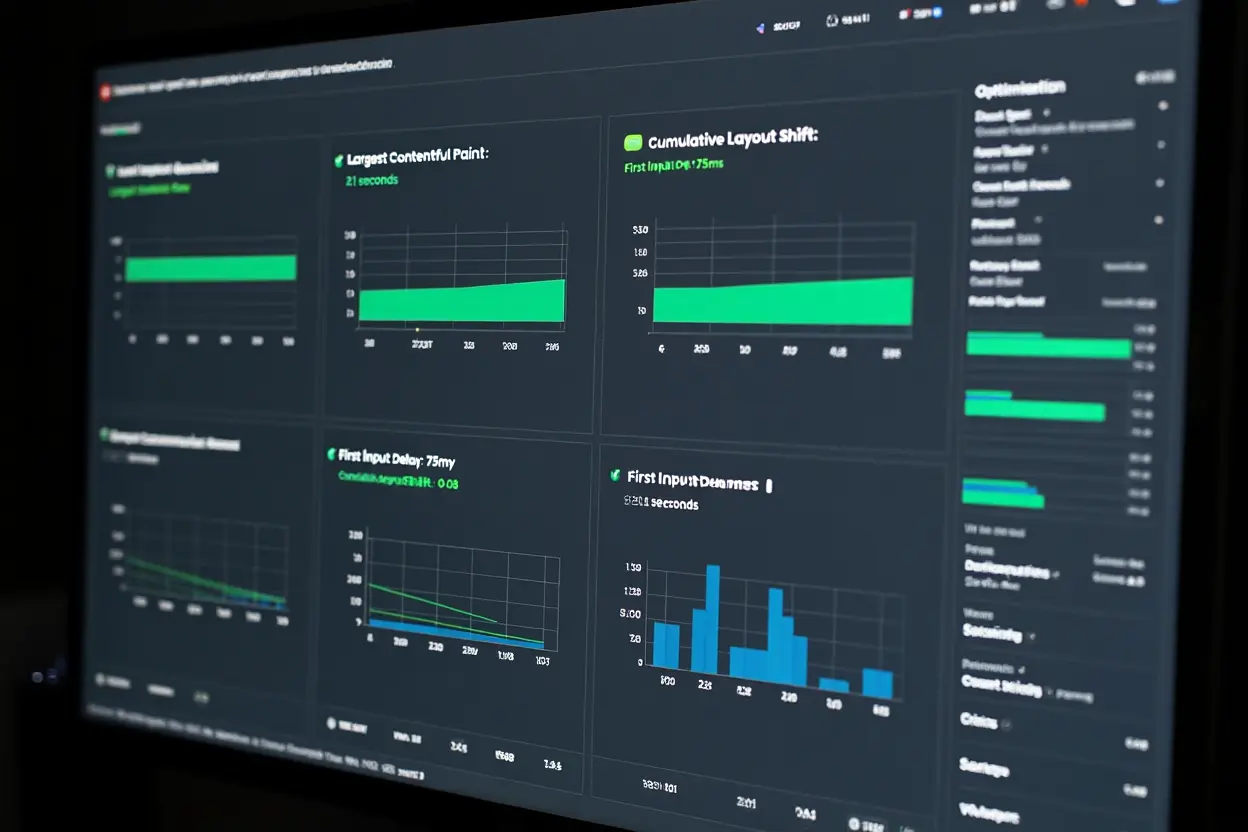
Google evaluates the real user experience through three key Core Web Vitals: Largest Contentful Paint (LCP), Interaction to Next Paint (INP), and Cumulative Layout Shift (CLS). Websites that fail to meet these thresholds risk ranking penalties, while faster competitors rise in results. This guide will help you measure, diagnose, and systematically fix these critical page speed issues.
Measuring and Optimizing Largest Contentful Paint
Largest Contentful Paint measures how quickly the main content of your page becomes visible, with an ideal target of 2.5 seconds or less. A Core Web Vitals audit, performed using tools like PageSpeed Insights or the Google Search Console Core Web Vitals report, will identify problematic pages and pinpoint the factors slowing them down, allowing you to focus on high-value URLs first.
To improve LCP, start by identifying the largest element on the page—typically a hero image, video, or heading. Compress it effectively, use next-gen formats like WebP or AVIF, lazy-load off-screen content, preload essential resources, and optimize your server to keep Time to First Byte at 0.8 seconds or less.
Remove any render-blocking resources: inline critical CSS, defer or asynchronously load non-essential scripts, and eliminate unused code. Trimming even small amounts of data can speed up rendering, improve LCP scores, and boost your visibility in Search Console reports.
Reducing Cumulative Layout Shift and Improving Stability
Cumulative Layout Shift tracks unexpected layout movements during page load and should be kept at 0.1 or lower. Prevent these shifts by specifying width and height attributes for all images and videos—this reserves space early and prevents content from jumping around as assets load.
Avoid inserting dynamic elements that displace existing content. Ads, banners, and expandable widgets should have reserved space. Use `font-display: swap` to control font loading and avoid invisible text flashes. Always test on real devices and under slow network conditions to ensure visual stability.
Review third-party content like ads, embedded media, or social widgets—common culprits for layout shifts. Work with providers to ensure proper sizing, or lazy-load these elements after user interaction to minimize their impact on essential content.
Implementing Caching and Compression for Faster Loads
Leverage server-side caching to dramatically cut load times for returning visitors by storing static assets for extended periods. Enable compression like gzip or Brotli to reduce text-based file sizes by up to 70%, and use a Content Delivery Network (CDN) to shorten the physical distance between your server and your users, speeding up delivery and supporting overall page speed optimization.
As you fine-tune these improvements, consider automating monitoring with a Shopify SEO tool that tracks page speed, Core Web Vitals, and content health to ensure your optimizations remain effective over time.
Technical perfection is meaningless if users cannot access or trust your website. Mobile-friendly design and strong HTTPS security implementation are now essential ranking factors and trust signals that determine whether visitors stay or leave.
Ensuring Mobile-Friendliness and Security Compliance
With a large share of searches now happening on mobile devices, many websites still fail with desktop-oriented layouts that frustrate phone users. Even a single security issue can trigger browser warnings, damage credibility, and block valuable traffic. This section covers how to address both through a comprehensive mobile-friendly technical audit and strict security protocols.
Testing and Optimizing Mobile Responsiveness
Start with Lighthouse in Chrome DevTools to identify problems specific to mobile devices: small text, tight tap targets, oversized content, or missing viewport tags. A proper mobile-friendly technical audit shows how your site performs on actual devices rather than just simulated environments.
- Responsive design implementation – Use CSS media queries to create fluid layouts, rely on percentage-based widths instead of fixed pixels, and ensure images scale properly within their containers.
- Touch-friendly interface design – Space out buttons, forms, and navigation elements to prevent accidental taps and create a smooth mobile experience.
- Font size and readability standards – Maintain body text at 16px or larger, use comfortable line spacing, ensure strong color contrast, and test readability under various lighting conditions.
Validate the user experience on actual devices across different brands, screen sizes, and operating systems, as simulators often miss real-world quirks. Test with throttled network speeds to uncover performance issues that only appear on typical mobile connections.
Implementing HTTPS and Security Best Practices
Migrate your entire site to HTTPS by obtaining a valid SSL/TLS certificate and setting up 301 redirects from HTTP to HTTPS. Update all internal links, canonical tags, and resource URLs to use the secure protocol to avoid mixed-content warnings.
Implement an HSTS header to instruct browsers to use HTTPS exclusively, preventing downgrade attacks. Use Google Search Console's Security Issues report to monitor for malware, hacked content, and other security threats.
Keep your CMS, plugins, and libraries updated, and run regular security scans with tools like Sucuri or Wordfence. Quickly address any vulnerabilities that could compromise user trust or affect indexing.
Setting Up Ongoing Monitoring and Maintenance
Technical SEO requires continuous effort, not just a one-time fix. Schedule monthly crawls using tools like Screaming Frog, Lumar, or Sitebulb to identify new broken links, redirect loops, or indexing errors before they impact rankings.
Check the Page indexing, Core Web Vitals, Sitemaps, and Security issues reports in Google Search Console on a regular schedule. Resubmit updated XML sitemaps whenever you publish new content or make significant changes.
- Monthly crawl audits – Identify new errors, broken links, missing meta tags, and problematic redirects that could harm ranking signals.
- Search Console monitoring – Review the Page indexing report weekly, address crawl anomalies promptly, and verify sitemap status after every major update.
- Performance tracking – Monitor Core Web Vitals monthly through PageSpeed Insights and Search Console, investigating any declines that may indicate script bloat or other technical issues.
Document each technical audit in a shared checklist that includes priority levels, effort estimates, and expected impacts. Conduct quarterly reviews even when metrics appear stable to prevent minor issues from becoming major problems.