You're likely already juggling countless responsibilities, from managing inventory and customer service to running marketing campaigns. Now you also need to monitor your SEO performance—but the good news is that manual checks are a thing of the past. Modern keyword ranking tools automatically track your positions, delivering daily updates on your search results visibility without requiring any effort on your part.
This guide will help you choose the right tracking tool and get it up and running in just a few minutes. You’ll also learn how to interpret the data effectively so you can improve your online visibility—without getting lost in endless spreadsheets.
Essential Keyword Ranking Metrics to Monitor Daily
A Search Engine Results Page (SERP) shows you the results that appear when someone types in a query, including both organic listings and ads. The data you pull from these search engine results gives you the core numbers you need to keep an eye on your site's position and overall performance. Discover how SERP data can be used to track SEO rankings to truly measure how your efforts are paying off. By gathering this information regularly, you can effectively track movements for your target keywords and see how your placements stack up over time.
Tracking your position isn't just about pride; it's about staying on top of constant changes. Checking in daily catches those shifts that happen because of algorithm updates, so you can adjust your strategy fast. A good automated tool will usually scrape these search engine results every day and show all the data on a clear, easy-to-read dashboard.
Core Ranking KPIs Every Tracking Tool Should Provide
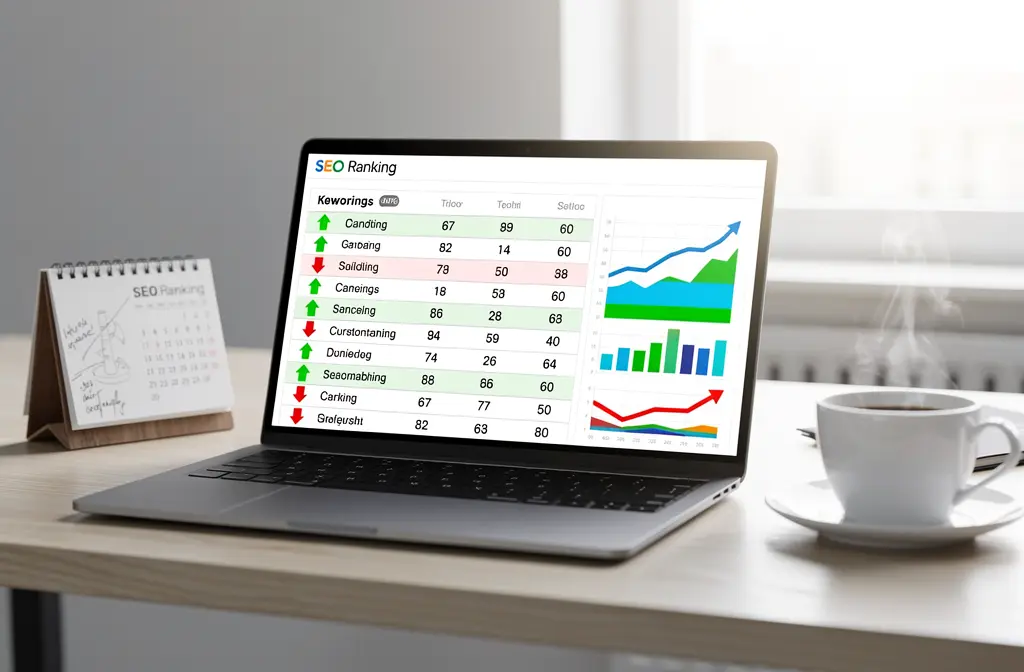
When you're picking which rank tracking KPIs to monitor, focus on the numbers that actually affect your business goals. Good software gives you position data, details on SERP features, and a breakdown by device right at your fingertips. These insights are key for figuring out if your current plan is actually working.
- Daily position updates: Your tool logs the exact keyword ranking every single day, showing you any gains or drops that happened overnight.
- Multi-device tracking: Your ranking can change a lot depending on the device; a great desktop rank might be much lower on mobile.
- Geographic segmentation: For local SEO, you need precise tracking because your ranking in one city can be totally different in another.
- Competitor side-by-side positions: See how your ranking compares to your competitors'to quickly figure out who's leading the market.
Many website owners get hung up on tiny changes for low-traffic keywords that are way down in the results. It's smarter to concentrate on high-volume terms that are on the first or second page. These are the specific keywords that actually bring in conversions and serious organic traffic.
Historical data is incredibly valuable because it shows you long-term trends that daily ups and downs can hide. Comparing where you are now to where you were last month helps you spot real movement in your keyword rank. Watching a term break into the top ten is clear, tangible SEO progress that you can try to replicate.
Interpreting Rank Tracking Data for Actionable Insights
Raw numbers don't mean much if you don't have the context to understand them. Proper rank tracking data interpretation means connecting changes in position to real outcomes, like your number of impressions on Google Search. Moving up in rank doesn't help if your CTR goes down, so always cross-check with Search Console for the full picture.
Device and Location Splits in Ranking Reports
Because Google now uses mobile-first indexing, keeping tabs on how you perform across different devices is absolutely essential. If you see a strong desktop result but a weak mobile one, you've found a clear area that needs optimization. Most ranking tools let you filter reports so you can zero in on exactly where to put your technical efforts.
Geographic targeting turns basic rank tracking into specific, useful intelligence for your local marketing. A local business can't expect to perform exactly the same in every single city or region. Your tracking tool needs to show results by location, which helps you focus on markets where your competitors aren't as strong.
When you combine device and location data, a simple ranking number becomes a strategic guide. You might discover you're in the top spot on desktop in one city but much lower in another. This kind of clarity leads to much smarter decisions than you could ever make just by guessing.
Ensuring accuracy and avoiding common tracker pitfalls
It's important to understand that not all ranking data is created equal. Your personal search history and whether you're logged into an account can significantly skew the numbers, often moving results by several positions. A keyword that appears at position 12 for you might actually rank at position 8 in a neutral search environment. Your rank tracking tool should reflect what the average, non-logged-in user sees—not your personalized search bubble.
How accurate are rank trackers in real conditions?
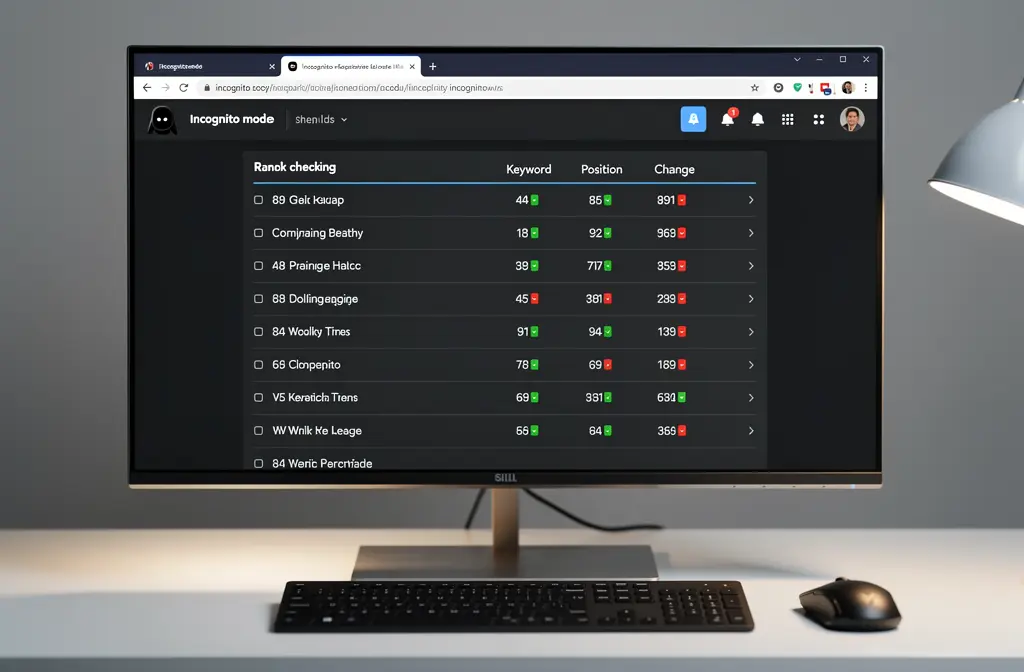
Rank trackers work by sending queries to Google through neutral servers and incognito profiles to remove personalization bias. You might ask: just how accurate are rank trackers under real-world conditions? A high-quality tool should align with manual incognito searches within one or two positions, accounting for natural SERP fluctuations. Established third-party platforms use strong infrastructure to consistently gather search results, making them significantly more dependable than manual checks.
Keep in mind, though, that SERP layouts are always changing. Elements like featured snippets or local packs can push organic results down the page without technically altering your keyword's position. A competent rank tracker will identify and report these features separately, giving you a clearer picture of your true visibility beyond basic ranking numbers.
Minimizing personalization for neutral ranking data
Your browsing history, cookies, and logged-in search sessions introduce personalization that warps your perception of actual ranking performance. One of the most critical rank tracking mistakes to avoid is depending on data collected while you're signed into your browser. For accurate results, always use incognito mode or a specialized tracking tool with built-in neutral user profiles.
- Incognito/private browsing: This approach clears cookies and session data to provide unbiased search results that reflect what new visitors experience.
- Neutral server infrastructure: Professional rank tracking services query data from servers that simulate clean, untracked user profiles.
- VPN and geographic rotation: Monitoring tools use proxies in specific cities to accurately capture location-based SERPs, which is essential for local SEO.
- Data normalization: Stripping away personalization markers helps keep rankings consistent and comparable over time, especially when analyzing competitors.
If you're working with a limited budget, a hybrid strategy can be very effective. Combine manual tracking in spreadsheets with periodic incognito searches (e.g., twice a week) alongside a paid rank tracking tool. This balanced approach helps control costs while still alerting you to significant ranking changes before they impact your business.
Critical rank tracking mistakes to avoid today
One major error is scraping Google yourself: Google's spam policies explicitly forbid sending automated queries, including scraping results for rank checking, without express permission. Rely instead on Search Console data, which reports the positions Google actually recorded for your site.
Another common mistake is tracking hundreds of low-intent keywords that rank beyond page 20. You're essentially wasting time and resources monitoring terms that bring zero traffic to your site. Regularly audit your keyword list—ideally every quarter—to focus on high-value terms that actually contribute to business growth.
Choosing and Configuring Your Rank Tracking Tool
Selecting the right software is the cornerstone of your entire SEO strategy and data analysis. You need a powerful yet intuitive tool that can efficiently monitor both mobile and desktop SERP results. AI-powered rank tracking platforms like Sedestral automate keyword monitoring and even suggest content improvements based on ranking changes, effectively turning raw data into actionable insights.
Must-Have Features in a Ranking Tracker Platform
When applying your rank tracking tool selection criteria, look beyond the interface and focus on genuine utility. Essential features include daily updates for keyword tracking and competitor monitoring to accurately benchmark your visibility. Integration with Google Search Console is also crucial, allowing you to merge ranking insights within a customizable dashboard for a complete picture.
- Daily or hourly ranking updates: Detect algorithm shifts and competitor movements on the SERP before they become major issues.
- Competitor keyword tracking: Monitor a few rival domains to identify gaps and opportunities in your own strategy.
- Search Console and Analytics integration: Combine your ranking data with actual traffic metrics for full performance visibility.
- Multi-channel alerts: Get notified via email or Slack when a keyword's ranking changes significantly, enabling a rapid response.
Beyond these core features, effective monitoring requires SERP feature tracking to capture valuable snippet opportunities. Geographic customization is also key for analyzing Google Search performance in specific regions or cities. In the end, investing in a premium tool that automates manual tracking pays for itself quickly through time savings.
| Feature | Essential? | Why It Matters |
| Daily ranking updates | Yes | Catch changes early and respond before they impact your performance. |
| Mobile/desktop splits | Yes | Mobile-first indexing makes separate monitoring essential. |
| Competitor monitoring | Yes | Grasp the competitive field and spot strategic gaps. |
| Search Console integration | Yes | Merge ranking positions with real traffic metrics. |
| SERP feature tracking | Recommended | Featured snippets can boost CTR without changing your rank. |
| Geographic targeting | If local SEO | Crucial for multi-location or regional marketing campaigns. |
| White-label reporting | If agency/client | Provide professional, branded reports to strengthen client trust. |
Step-by-Step Setup for Automated Rank Tracking
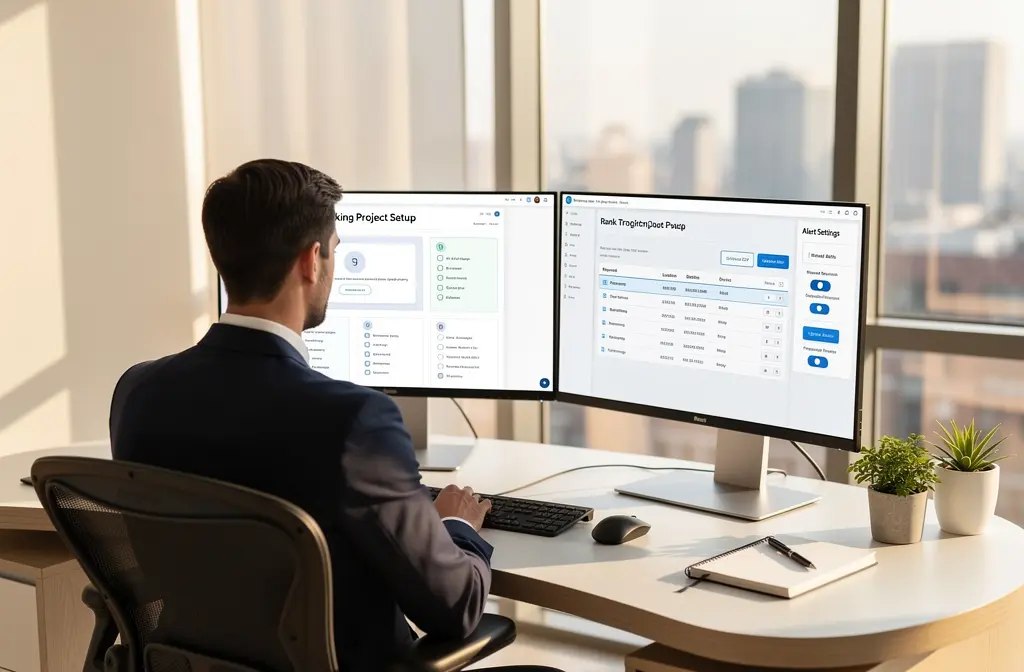
Follow this guide for automated rank tracking setup, which should take about twenty minutes. Begin by choosing a reliable tracker and connecting it directly to your Google Search Console account. This integration automatically pulls in your most important search terms, eliminating the need for manual keyword entry.
Next, upload your target keyword list via CSV or paste them directly into the tool's interface. Group them logically by product category or topic, and add competitor domains for a direct comparison. Finally, configure the settings for your target Google Search location and ensure you are tracking both mobile and desktop results.
Activate your alerts to receive notifications for significant ranking movements on the SERP. Set up daily automated reporting and run a quick test to confirm everything is working as expected. Soon you'll have baseline data that forms the foundation for all your future rank tracking decisions.
Leveraging Tracking Data for Competitive Advantage
Raw ranking numbers are just the beginning of your SEO journey. The real advantage comes from linking your keyword rank data to competitor activity, content opportunities, and revenue. By combining position tracking with insightful analysis, you shift from simply watching the SERP to actively shaping your presence. This proactive stance lets you address problems before they become major issues and capitalize on openings before your competitors even spot them.
Competitor Keyword Analysis Using Rank Tracking Insights
Competitive rank analysis transforms your standard ranking checker into a strategic powerhouse. Begin by adding your main competitors to your monitoring dashboard to track keyword performance against them on a weekly basis. Set up alerts to get notified instantly if a competitor makes a big leap on a shared term. This is your signal to analyze their changes and counter with even better content targeting that same keyword.
- Keyword Gap Identification: Spot where competitors are ranking in the top 3 for keywords while you're still on page 2. Then, create focused content to bridge those gaps.
- Position Threshold Alerts: Get immediate notifications from your tracker whenever a rival surpasses you on a valuable keyword, prompting a swift content update.
- SERP Feature Theft: If your monitoring shows a competitor has taken your featured snippet, you can act quickly to reclaim it by refining your content's structure.
Heatmap visualizations let you grasp complex data in an instant. Green highlights top 3 rankings (your revenue drivers), yellow indicates positions 4–10 (your growth opportunities), and red flags rankings on page 2 or worse. By comparing your heatmap directly with competitors', you can clearly see where you're winning and where you need to improve.
AI-Driven Content Optimization Triggered by Ranking Shifts
This is where rank-driven content optimization revolutionizes your process. When your tracking tool shows a keyword dropping from position 6 to 12, AI can immediately diagnose the issue. A tool like our platform can recommend on-page adjustments or even draft improved content for your review and rapid publication.
You can also establish automation rules based on performance. For instance, if a keyword stays stuck below position 10, the system can trigger an increase in publishing frequency. If a rival targets a high-potential keyword you're tracking, it can initiate a refresh of your existing page. This automated strategy turns weeks of manual SEO work into efficient, daily actions.
Turning Rank Data into Measurable Business Outcomes
A high ranking means little unless it actually generates traffic, leads, and sales. Connect your rank tracker to Google Analytics and Google Search Console to see the real-world impact of your work. For example, boosting a keyword from position 15 to 8 could lead to a significant surge in organic traffic and potential customers.
- Traffic Lift Calculation: Use CTR data from Search Console to estimate the organic traffic increase from each improvement in keyword rank.
- Revenue Attribution: Monitor the conversion rate for each ranked keyword and calculate ROI by combining the traffic boost with your conversion rates.
- Competitive Win Tracking: When you surpass a competitor, measure the CTR difference to gauge the potential traffic loss they're experiencing.
- Quarterly KPI Dashboard: Build a dashboard that maps ranking progress alongside traffic and conversions, demonstrating SEO's value with concrete data.
This shift in focus—from chasing ranking improvements to quantifying new customers acquired—is what sets top SEO professionals apart. It's essential to track keyword rankings diligently, but never forget to measure the resulting business impact just as carefully.