Want to know which keywords your customers actually type into the search bar? Google Autocomplete, still underused by most businesses, shows the most popular queries live as people type, and that's a goldmine of insight.
This guide explains how autocomplete works, why it matters so much for SEO right now, and how to use Google Autocomplete to dig up highly relevant keywords. You'll be able to match your content to what users expect and boost your visibility on Google. Our Search Console guide covers the setup side: verifying ownership, submitting a sitemap, inspecting URLs, checking Core Web Vitals and handling manual actions. Finally, we show you how to combine that data with Google Autocomplete to spot long-tail queries, optimise your titles and meta tags, and lift your CTR. Learn how to use Search Console alongside Google Autocomplete and you'll get the most out of both.
Understanding Google Autocomplete and how it works
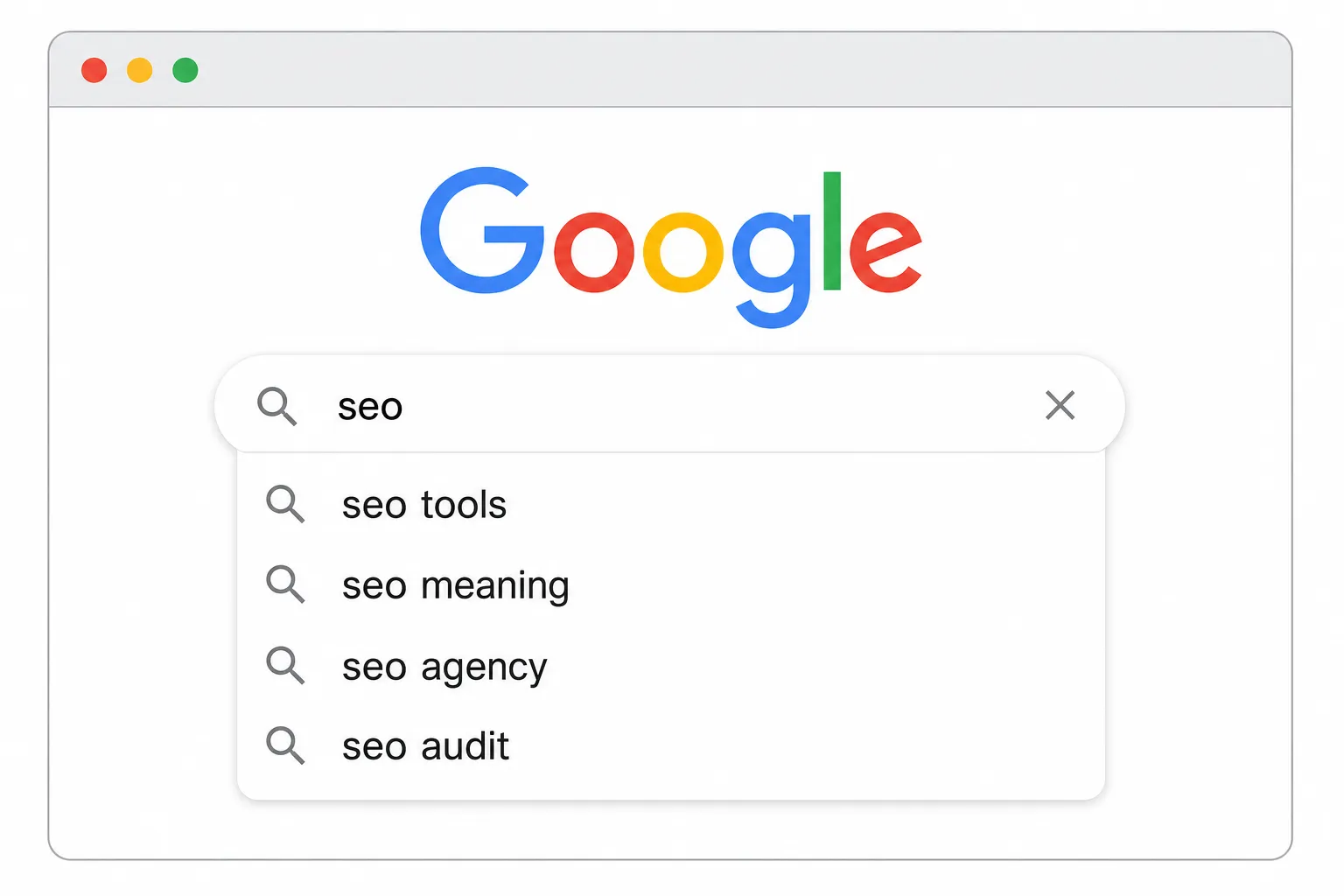
Google Autocomplete, also known as Google Suggest, offers suggestions as soon as you start typing a term into the search box. It first appeared in Google Labs in 2004 and was switched on by default for everyone in 2008. Since then, it has become a window into what searchers really look for, and an essential tool for SEO.
Unlike paid tools, this free feature gives you direct access to popular phrases that are refreshed constantly. With every character typed into the Google search bar (Chrome, Android, the Google Search app), the algorithm instantly generates predictions based on search frequency, current events, location and the user's personal history.
- Popularity and search frequency: the most searched phrases come first.
- News and trends: trending topics are quickly folded into the search suggestions.
- Location and language: predictions change depending on your region and the language you use.
- Personal history: if you're signed in, your previous searches shape the predictions.
Thanks to AJAX, the page never reloads. Results update dynamically with each new keystroke. Type "best robot", for instance, and you'll see suggestions like "best robot vacuum" or "best robot lawn mower", which tell you exactly what people need, and in exactly the words they use to ask for it.
Careful: Google Autocomplete is very different from related searches or the "People also ask" box, which only show up after you've run a query. Autocomplete fires in real time while you're still typing, before you ever reach the Google results page.
Uncovering search intent through suggestions
Search suggestions give you a precise view of what your audience needs, right down to the format, timing or location they have in mind. Add-ons like "near me", "2026" or "reviews" give away specific intent and help you find sharper editorial angles.
The wording people use is exactly the wording you should reuse in your titles and headings: when searchers type "how to set up Google Search Console", use that same phrasing to maximise relevance and click-through rate. Speak your users' language and your SEO improves on its own.
Suggestions fold in news and search frequency in real time, so a new product can show up within hours. They also vary by device, language and location, which makes it worth analysing them from several angles.
Because results factor in personal history, check them in a private window and from several locations. Then compare that data with Google Search Console, related searches and Google Trends to pinpoint the most promising opportunities.
Collecting and extracting suggestions efficiently
Manual exploration with prefixes and suffixes
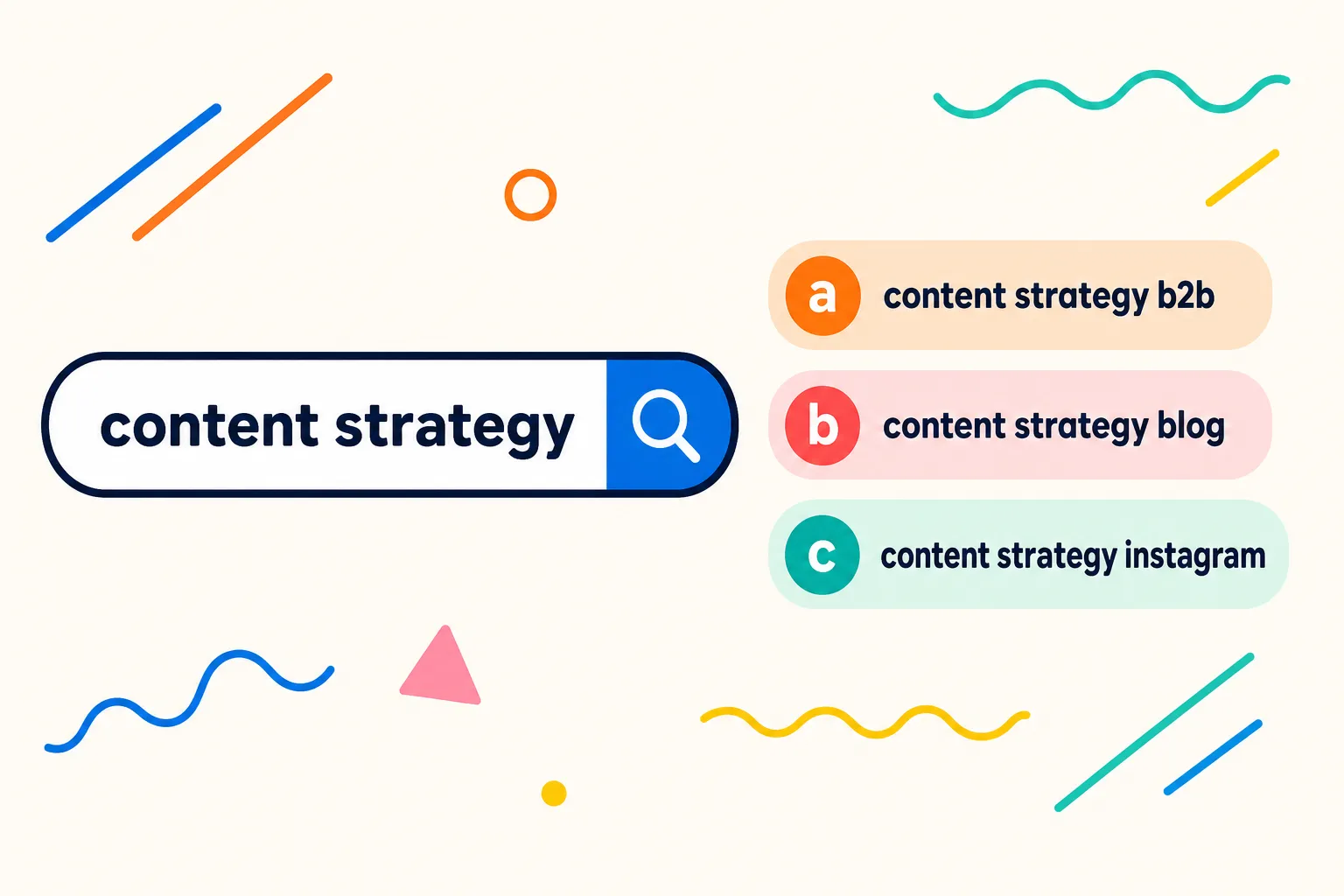
Type your base term, then add "space + a letter" (from a to z) or common modifiers to pull up more suggestions. Try question words too, like "how", "why" and "which", to pin down informational intent and generate question-based H2 ideas. Ten minutes of this on your core topic usually gives you a few dozen phrases you'd never have guessed.
Automation and extraction tools
Go beyond manual exploration with tools like KeywordTool.io, Ubersuggest, AnswerThePublic to export lists by country and language. Once you've deduplicated and normalised the results, check search volumes to filter out noise. Don't send automated queries to Google yourself: its spam policies forbid it.
Enrich your lists with "People also ask", related searches and local map packs to build a solid keyword core. This cross-analysis of the SERP turns Google Autocomplete into a real lever for finding high-potential long-tail queries.
Structuring and prioritising your data
Group suggestions by intent (buy, learn, local), then by modifier such as brand, year, price or comparison. Cross-reference that data with impressions and clicks from Google Search Console to identify the phrases with the best return on your effort.
Organise your export in a spreadsheet with the essential columns: the original query, the suggestions returned, search intent, location data and device type. This setup makes it easy to analyse search volume for every term you've pulled from Google Search.
Remove duplicates and near-identical variants, merge plurals and synonyms, then map each suggestion to an existing page. If some phrases don't match any content, consider creating new pages to fill those gaps.
Turning suggestions into concrete SEO actions
Creating long-tail targeted content
Build content that answers user queries precisely. For a search like "how to set up Google Search Console", publish a detailed tutorial with that exact title, and structure it with question-based headings and clear steps to improve your chances of landing a featured snippet.
If a query gets plenty of impressions but a low CTR in Google Search Console, test different title tags and meta descriptions. Work in the exact phrasing people search for, a clear benefit, or even "2026" to lift your click-through rate.
Building silos and internal linking
Create a central pillar page, such as "The complete Google Search Console guide", then link it to specific pages drawn from the suggestions, like "verify a domain" or "submit a sitemap". This silo architecture keeps SEO link juice flowing between your long-tail pages.
Apply the same approach to a topic like "running shoes": build comparison articles, buying guides and care tutorials based on Google Autocomplete data. Then track performance (impressions, clicks, rankings) in GSC, paying special attention to suggestions sitting in positions 11 to 20, where quick wins are often within reach.
| User intent | Example suggestion | Ideal content type |
| Informational | "how to create SEO content" | In-depth article, tutorial, complete guide |
| Transactional | "best price SEO software" | Product page, buying guide, promotion |
| Commercial | "top SEO tools 2026", "[Tool] reviews" | Comparison, product test, summary table |
| Navigational | "[Tool] login" | Direct link to the login page |
Operational integration and E-E-A-T best practices
For every important suggestion, open the page with a 30 to 60 word summary that answers the searcher's query head-on. Then go deep on the topic. Add Article JSON-LD markup with the headline, author and dateModified fields to help engines like Google understand your content. FAQ and HowTo rich results are no longer shown by Google.
To build credibility, back up your claims with concrete evidence: test results, precise data and verifiable testimonials, especially on sensitive (YMYL) topics. Use Google Autocomplete suggestions alongside GSC to spot trends, analyse visitor behaviour in GA4, then test different versions of your titles and content to refine your SEO strategy as new formats emerge, such as AI Overviews and AI Mode. Read the guide to optimising your content (AI Overviews & Google Autocomplete)
Don't forget to refresh your pages, intro summaries and FAQs regularly so you stay relevant as suggestions and news evolve. That ongoing monitoring makes Google Autocomplete a lasting tool for boosting your visibility in Google and strengthening your SEO strategy over the long term.
Today, the autocomplete feature is an essential lever for getting ahead of user expectations and shaping your content to match.
Limits, ethical precautions and cross-validation
Google Autocomplete doesn't give you precise search volume figures. So you'll need to check every term against Google Search Console, Google Trends or a dedicated tool before committing. Suggestions also vary with your history, location and device, so what you see isn't necessarily what your customers see. For more neutral results, use a private browsing window, sign out of your account or change your virtual location with a VPN.
A breaking story or viral moment can generate a temporary query. Wait to see whether the trend holds before writing detailed content around it. And avoid scraping suggestions at scale, since that usually breaches Google's terms of service. Rely on established keyword tools instead of scripts that query Google directly.
On sensitive (YMYL) topics, be extra careful. Avoid ambiguous wording, check your sources rigorously and back your arguments with solid proof. Follow these best practices and Google Autocomplete becomes a reliable, high-performing tool for your SEO strategy.
Protecting your online reputation through Google Autocomplete
Google Autocomplete is a live reflection of your online image. Regularly test the keywords tied to your brand, products or executives in a private window. If a negative term like "scam" or "problem" shows up, respond right away by publishing clear content: detailed FAQs, genuine testimonials or explainer pages that address the problematic query directly.
Get that content onto the first page of results to take control of your online reputation, because a negative suggestion with no answer behind it is what does the real damage. Round out the strategy by spreading positive messages and encouraging flattering searches. Automate your monitoring so you stay proactive. Combine active monitoring, relevant content and solid rankings, and Google Autocomplete becomes a valuable ally for your brand image.

Automate Your SEO With AI Agents
Sedestral connects six AI agents to your website to handle content, audits, rankings, backlinks and images, without the manual grind.