In this guide, you'll learn how to optimise the user experience (UX) of your website to improve your SEO performance, smooth out navigation and boost visitor engagement.
What is UX (or "user experience")?
UX (User Experience) is the overall quality of what a visitor goes through when they interact with your website, your app or any other digital service.
It's not just a pretty interface or a well-built menu. It covers how smooth the journey is, how easy information is to find, how intuitive every action feels, but also the emotional response, the trust, and the pleasure of using your platform.
So we're talking about:
- usability (clear interface, simple navigation),
- functionality (everything works without friction),
- performance (fast loading, mobile adaptability),
- and also emotion (trust, engagement, satisfaction).
In short:
👉 UX is the sum of every perception a user has while browsing your site, from the first impression to the final action.
Why has UX become essential for SEO?
Today, Google no longer just analyses your content or your keywords. It evaluates the overall experience you offer visitors. A site that's hard to use, slow, confusing or not very reassuring gets abandoned fast, and that sends negative signals to Google (high bounce rate, low engagement, quick return to the results page...).
On the flip side, a smooth, pleasant and engaging experience encourages browsing, builds trust, prompts action... and pushes your site up the search results.
👉 So the goal is clear: optimise the user experience at every step of the journey, because a well-designed UX means a site that performs over the long run, especially in SEO.
Three essential dimensions of UX to work on
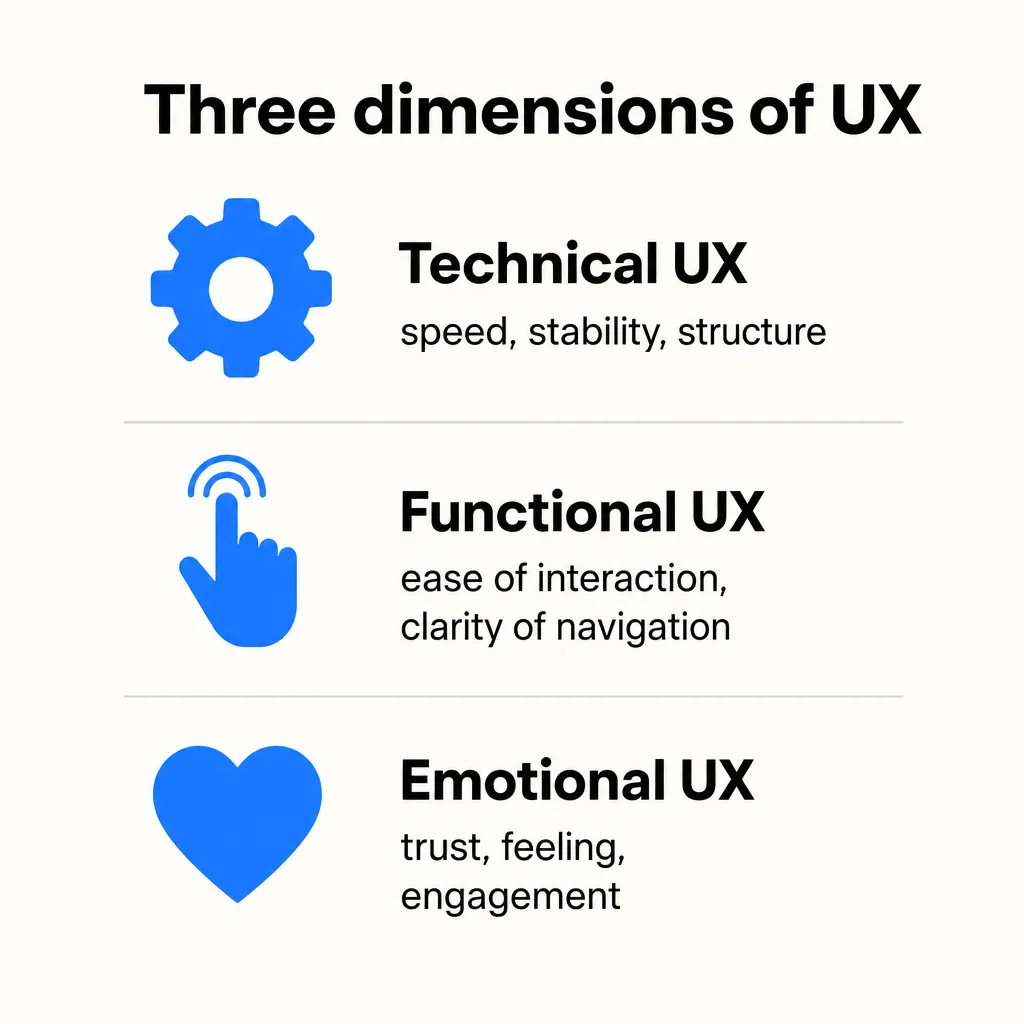
For complete, effective optimisation, UX breaks down into three major pillars, which this guide covers in the following logical order:
- Technical UX: the invisible but fundamental foundation (speed, stability, structure).
- Functional UX: ease of interaction, clarity of navigation.
- Emotional UX: trust, feeling, emotional engagement.
These three levels work together to make your site more effective, improve user behaviour and generate positive SEO signals.
Technical UX: the invisible but fundamental foundation of SEO
The technical user experience, or technical UX, doesn't jump out at the visitor, but search engines scrutinise it closely. It's the invisible backbone of your website: its structure, its performance, its ability to respond quickly to interactions and adapt to different screen sizes.
Why is it crucial? Because a slow, unstable or unpleasant site will be abandoned by the user in no time... and penalised by Google.
Understanding Core Web Vitals: what Google expects from your site
Since 2021, Core Web Vitals have been officially part of Google's algorithm. They're used to evaluate the quality of the user experience based on real-world data (collected from Chrome).
Here's a clear, detailed overview of the three key metrics:
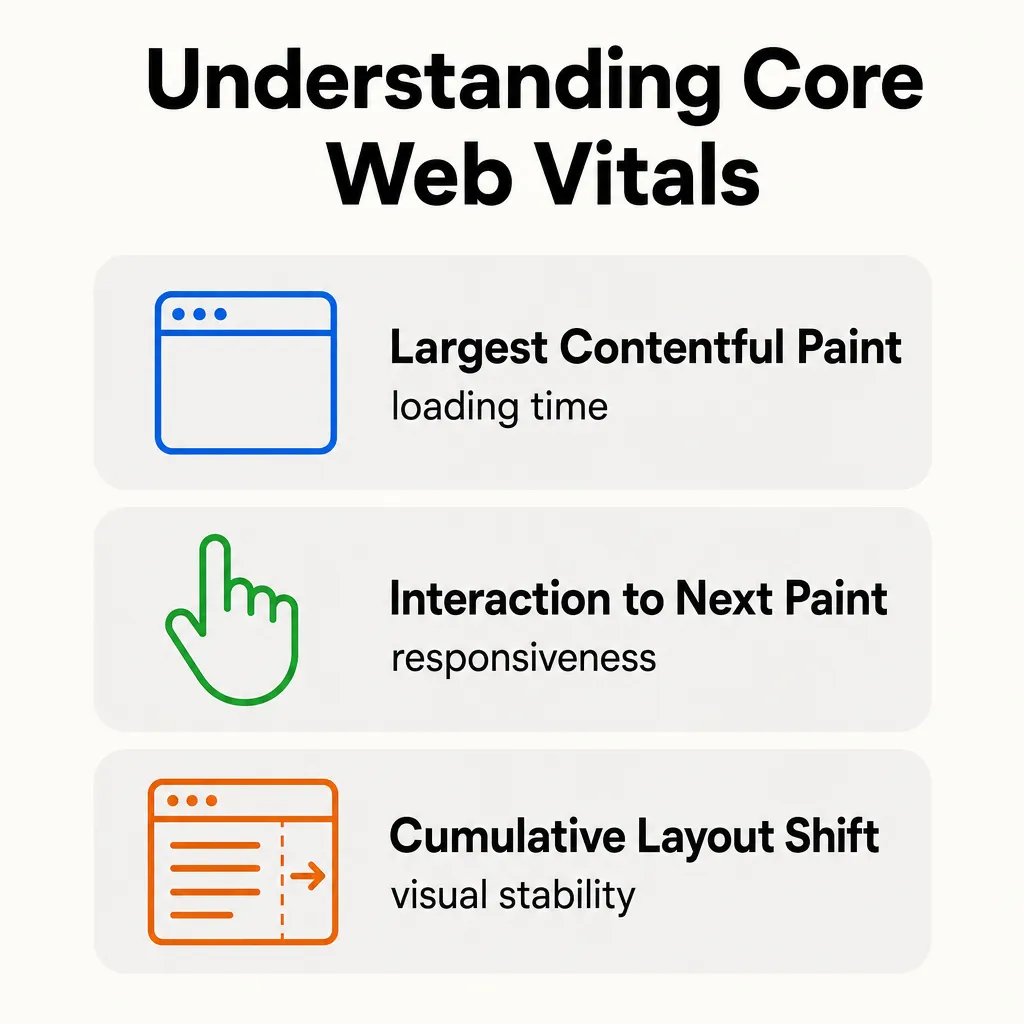
LCP: Largest Contentful Paint
Goal: measure the loading time of the main visible element (image, block of text, video, etc.).
- Example: if your blog post takes 4 seconds to display the main headline and the cover image, that's too slow.
- Recommended score: under 2.5 seconds.
A poor LCP score is often caused by:
- oversized images,
- render-blocking third-party scripts (e.g. external widgets),
- a slow server or a badly configured cache.
INP: Interaction to Next Paint
Goal: measure the responsiveness of the site across a user's interactions (click, tap, menu, search field...). INP replaced First Input Delay (FID) in March 2024 and looks at every interaction, not just the first one.
- Example: if a visitor clicks a button and nothing happens for 500 ms, the experience is poor.
- Recommended score: under 200 ms.
INP is particularly sensitive to:
- poorly optimised JavaScript,
- blocking event handlers,
- scripts that aren't deferred (
defer/asyncused incorrectly).
CLS: Cumulative Layout Shift
Goal: measure visual stability while the page loads (avoid elements jumping around and disrupting reading or clicks).
- Example: a visitor goes to click a link, but an ad loads and shoves the link somewhere else... 😤
- Recommended score: under 0.1.
This score depends heavily on:
- images or iframes without defined dimensions,
- dynamic elements injected after the fact (e.g. badly integrated cookie banners),
- unoptimised web fonts.
Essential tools to test and optimise your site's technical UX
Here's a selection of free, powerful and well-established tools for analysing your site's Core Web Vitals:
PageSpeed Insights
Quick analysis of mobile and desktop UX with practical recommendations
Google Lighthouse
Full audit (SEO, performance, accessibility) right inside Chrome
👉 Open Chrome DevTools > "Lighthouse" tab
Google Search Console
Real-world data on your site's Core Web Vitals
👉 https://search.google.com/search-console/core-web-vitals
GTmetrix
Complete diagnosis (page weight, requests, speed, recommendations)
WebPageTest
Very detailed analysis of every loading phase
👉 https://www.webpagetest.org/
How to improve your Core Web Vitals scores?
You need to act on several technical fronts to improve your performance and keep Google and your visitors happy.
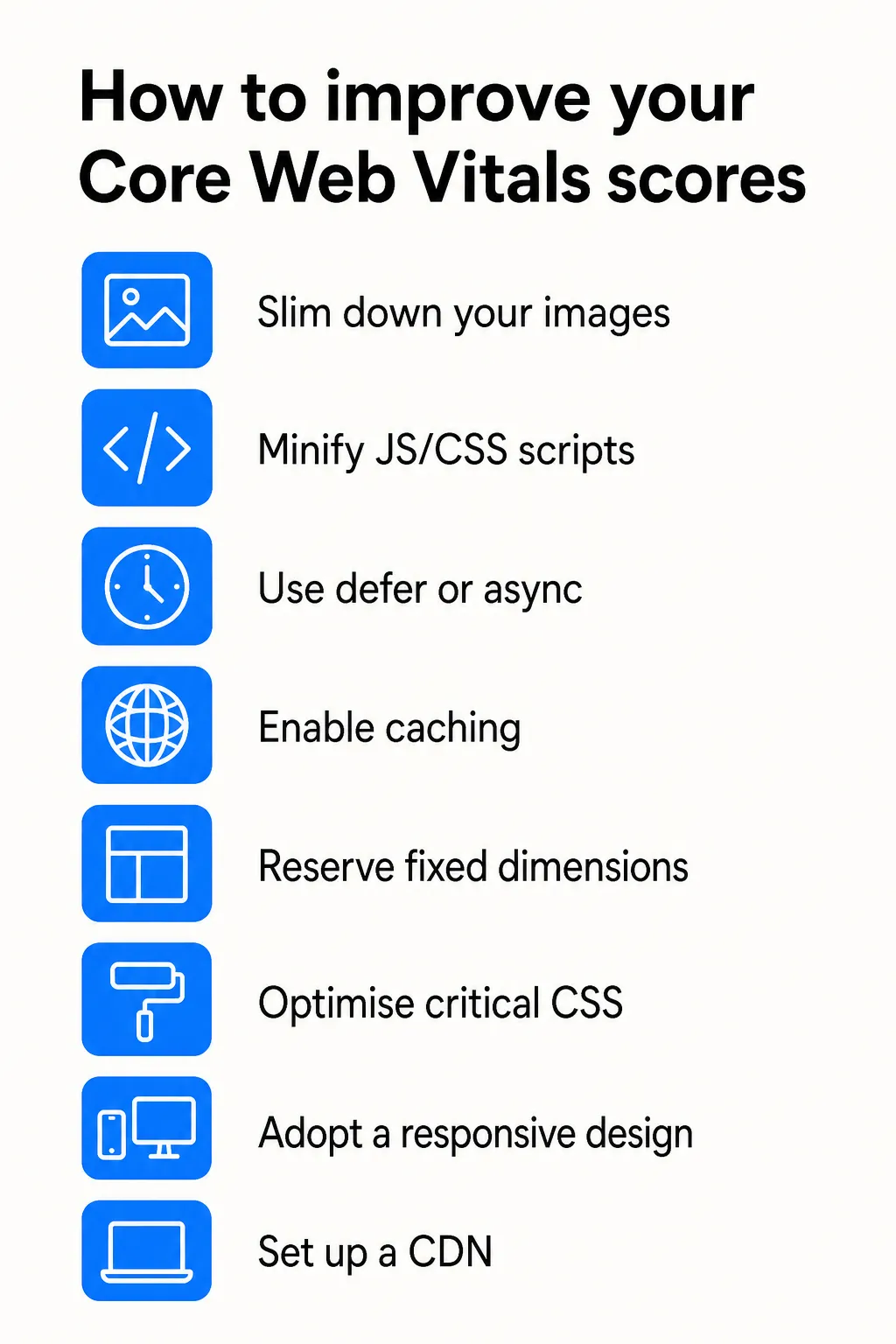
Priority actions:
- Slim down your images (WebP compression, lazy loading, no unnecessary PNGs).
- Minify your JS/CSS scripts and bundle them.
- Use
deferorasyncon non-essential scripts. - Enable browser and server caching.
- Set up a CDN to serve your content faster everywhere.
- Reserve fixed dimensions for images, iframes and ads.
- Optimise critical CSS so rendering starts sooner.
- Adopt a responsive design built properly for mobile (mobile-first).
Why is it vital for your SEO?
A fast, smooth and stable site:
- Improves the user experience (and conversion),
- Makes crawling and indexing by Googlebot easier,
- Reduces the bounce rate,
- Increases average session duration,
- Strengthens your position in the search results.
Conclusion: technical UX, your best silent SEO ally
Never neglect what can't be seen. Technical UX works like a silent engine: when everything runs well, your site races towards the top positions. When it doesn't, you stay put, or worse, you slide back.
👉 You need to act now: analyse, fix, test, and measure the impact of every improvement. On the web, every extra second is a position lost.
Functional UX: simplify the interaction, maximise the impact
Once the technical layer is under control (speed, stability, performance), it's essential to tackle functional UX. This dimension focuses on the site's usability: its ability to be easy, intuitive and pleasant to use.
A functional site is one that guides the user effortlessly: they find what they're looking for, quickly understand what you offer, and can interact without friction. This perceived ease plays a major role in time spent on site, conversion... and organic rankings.
The pillars of successful functional UX
Here are the key elements to build in or optimise to deliver a smooth, reassuring experience:
A clean, consistent and well-structured design
Use a consistent visual identity, sufficient contrast and a clear visual hierarchy so the important information stands out naturally.
Intuitive, smooth and logical navigation
The menu should be simple, accessible at first glance, and organised around what the user expects (not around your internal org chart). Your internal linking should carry the user from one page to the next without effort.
Clearly visible, explicit interactive elements
Buttons, links, forms... everything must be clearly identifiable and provide immediate user feedback (colour change, visual confirmation, micro-interactions...).
A user journey built around search intent
Analyse what your visitors actually need and structure your pages to answer it up front. Remove unnecessary steps and highlight the priority actions (add to basket, contact, download...).
Why does functional UX directly influence SEO?
Good functional UX design has measurable effects on both visitor behaviour and your visibility in the search results.
Google pays growing attention to behavioural signals: it analyses how users interact with your site from the results pages (SERP). If they click, stay, interact, come back... those are all positive signals.
- Lower bounce rate: smooth navigation keeps visitors around.
- More time spent on site: a well-structured site invites people to explore further.
- Stronger engagement: clicks, shares, conversions, comments, etc.
- Better behavioural signals, which Google measures and feeds into its algorithm.
👉 Google constantly runs A/B tests at massive scale on these signals. It watches how users react to different kinds of sites in the SERPs and adjusts the rankings accordingly:
If a site gets more clicks, longer visits and fewer bounces back to the results (pogo-sticking), it's favoured over a competitor with weaker UX performance.
In other words, functional UX doesn't just keep your visitors happy: it sends Google tangible proof of quality. And that can make all the difference in the battle for the top positions.
Learn more about Google's signals
Think "journeys", not just "pages"
Functional UX isn't about how one isolated page looks, but about the whole path a user takes through your site. Every click, every wait, every hesitation counts.
Your goal: remove friction, anticipate expectations, and guide the user towards the action without them even noticing.
Tools to test and improve functional UX
Here's a selection of free or freemium tools, powerful and well-established, for analysing real visitor behaviour, understanding friction points and fine-tuning your UX:
Hotjar
Heatmaps, session recordings, user feedback
Microsoft Clarity
Free analytics with heatmaps, session replays and rage clicks
👉 https://clarity.microsoft.com
Crazy Egg
A/B tests, scroll maps, heatmaps and visual analytics
Maze
Remote user tests, prototype validation, interactive journeys
UserTesting
Video feedback from real users trying out your site
FullStory
Replays, conversion funnels, automatic frustration detection
Google Analytics (GA4)
User journey analysis, bounce rate, exit pages
👉 https://analytics.google.com
What can you observe with these tools?
- Heatmaps: visualise where users click, scroll or stop.
- Session replays: watch real browsing sessions and see where users get stuck, hesitate or give up.
- Funnel analysis: pinpoint the steps of the journey that cause drop-offs.
- Direct feedback: through surveys or anonymous comments built into the interface.
Optimise on real data, not guesswork
Functional UX doesn't improve in the dark. With these tools, you can base your decisions on concrete observations:
→ Analyse, test, adjust.
Emotional UX: create a pleasant, memorable... and engaging experience
UX isn't limited to "how does it work" (functionality) or "is it fast" (performance). It also covers what the user feels while browsing your site. That's what we call emotional UX.
A website doesn't win people over with content or speed alone, but also through the atmosphere it creates, the trust it inspires, and the emotion it triggers.
The 4 right questions to ask to evaluate emotional UX:
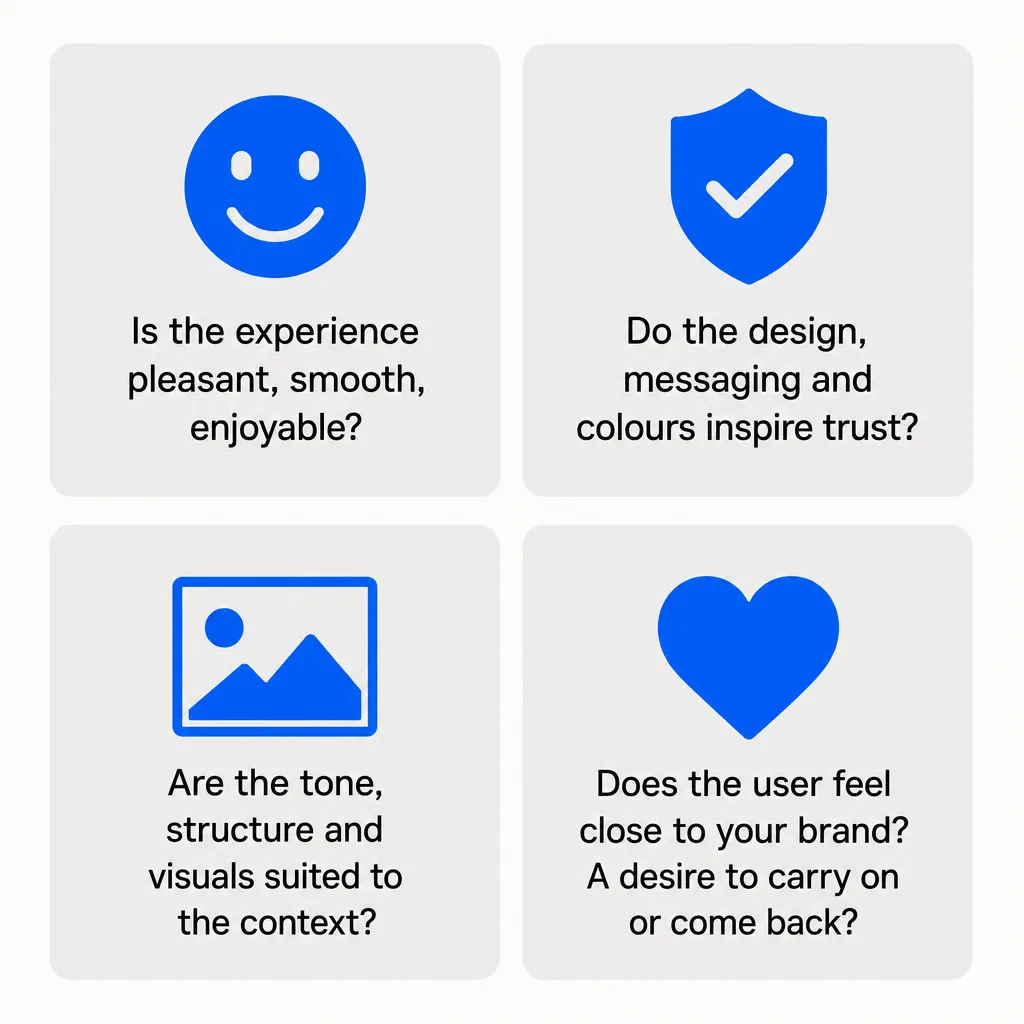
- Is the experience pleasant, smooth, enjoyable to go through?
- Do the design, the messaging, the colours... inspire trust?
- Are the tone, structure and visuals suited to the context (industry, audience, stage of the journey)?
- Does the user feel a connection with your brand? A desire to carry on or come back?
Why is emotional UX a powerful lever for your SEO?
A site that reassures on an emotional level and builds a positive bond with the user naturally generates:
- Spontaneous shares on social media,
- Recommendations through word of mouth or on blogs,
- Organic backlinks from other sites or forums,
- Greater loyalty, meaning repeat visits and longer sessions.
👉 These elements aren't directly measured by Core Web Vitals, but they make up the authority and relevance signals Google picks up on (inbound links, brand awareness, mentions...).
In that sense, emotional UX works as a lever for organic visibility: it turns a visitor into an ambassador, a journey into a positive memory, and a well-designed site into a source of authority.
Towards 360° UX optimisation
Emotional UX is the last link in the chain, but often the most differentiating one. It lets you create a consistent, human, engaging experience that goes beyond pure technical logic.
A site can be fast and well structured, but if it triggers no emotion or trust, it will be forgotten. Conversely, a site that connects with its audience creates value well beyond the visit itself.
Conclusion: improving your website's user experience, an SEO priority
UX design isn't just a nice user interface. It rests on a set of technical, functional and emotional elements that directly shape the perceived quality of your website or app, and therefore its position in the search results.
Improving the user experience means, first and foremost, meeting users' real needs at every stage of the journey:
- Fast loading times (technical UX)
- Smooth navigation, clear and logical (functional UX)
- A pleasant experience, engaging and memorable (emotional UX)
Key takeaways:
- A website optimised for the user is a site that converts, retains and generates positive SEO signals.
- A well-designed customer experience lowers the bounce rate, extends time spent on site, and improves how trustworthy your brand looks.
- Usability, mobile responsiveness (responsive design) and a consistent user journey have become non-negotiable criteria.
- Google, through its behavioural studies and automated user tests, measures these elements to adjust its rankings.
User experience optimisation, a 360° lever
Successful user experience optimisation works at every level:
- on the technical side (speed, structure, mobile performance),
- on the functional side (usability, clear interfaces),
- on the emotional side (trustworthy design, enjoyable use, positive feeling).
Good UX means less confusion, more interaction, and better conversion.
By investing in UX, you're not just fixing a design or navigation problem.
👉 You're building a quality website, designed around the user's needs, suited to their context, and able to withstand the constantly evolving demands of online search.

Automate Your SEO With AI Agents
Sedestral connects six AI agents to your website to handle content, audits, rankings and backlinks, without the manual grind.